 MeCode
 Your code workspace.
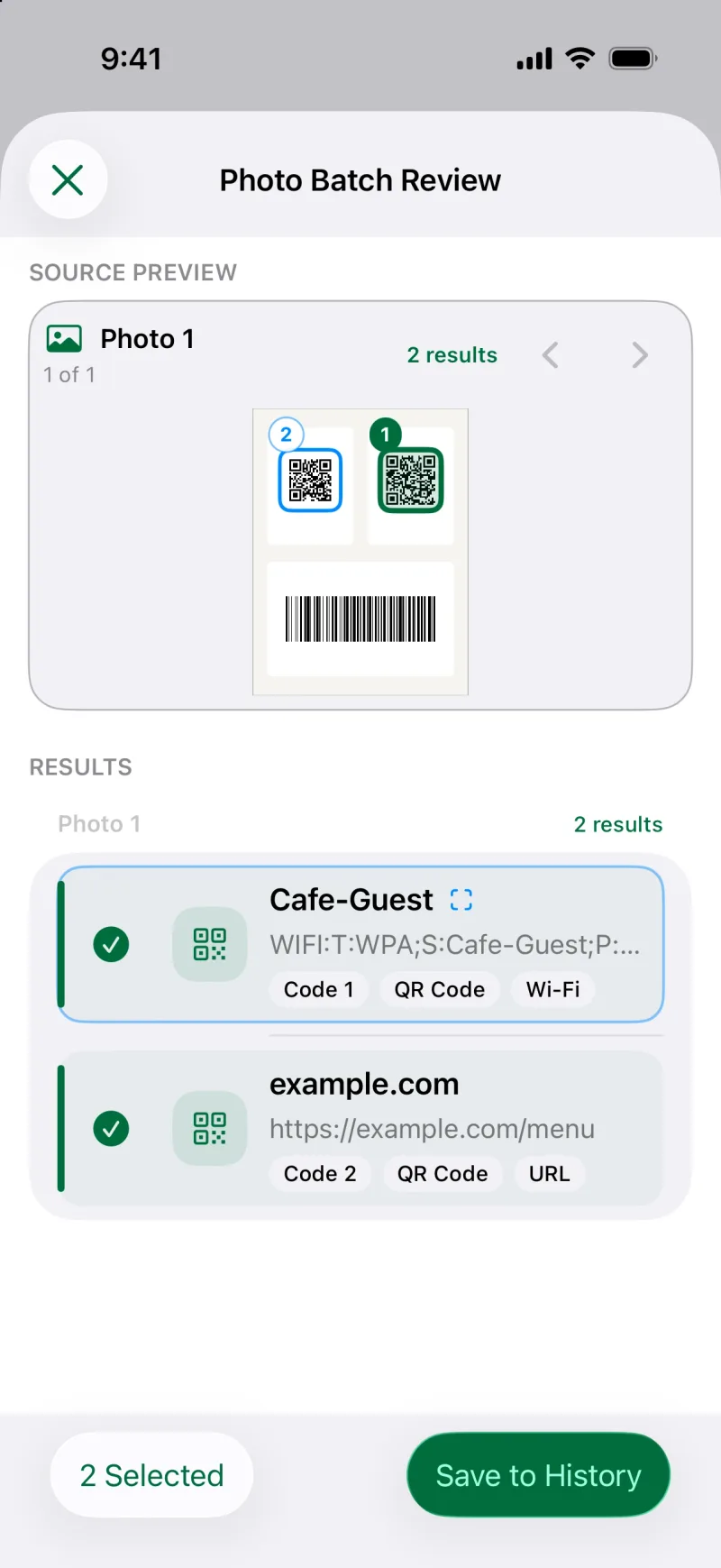
Scan QR codes, barcodes, and product codes with the camera, or recognize them in photos and PDFs. No ads, no tracking.
Download on the App Store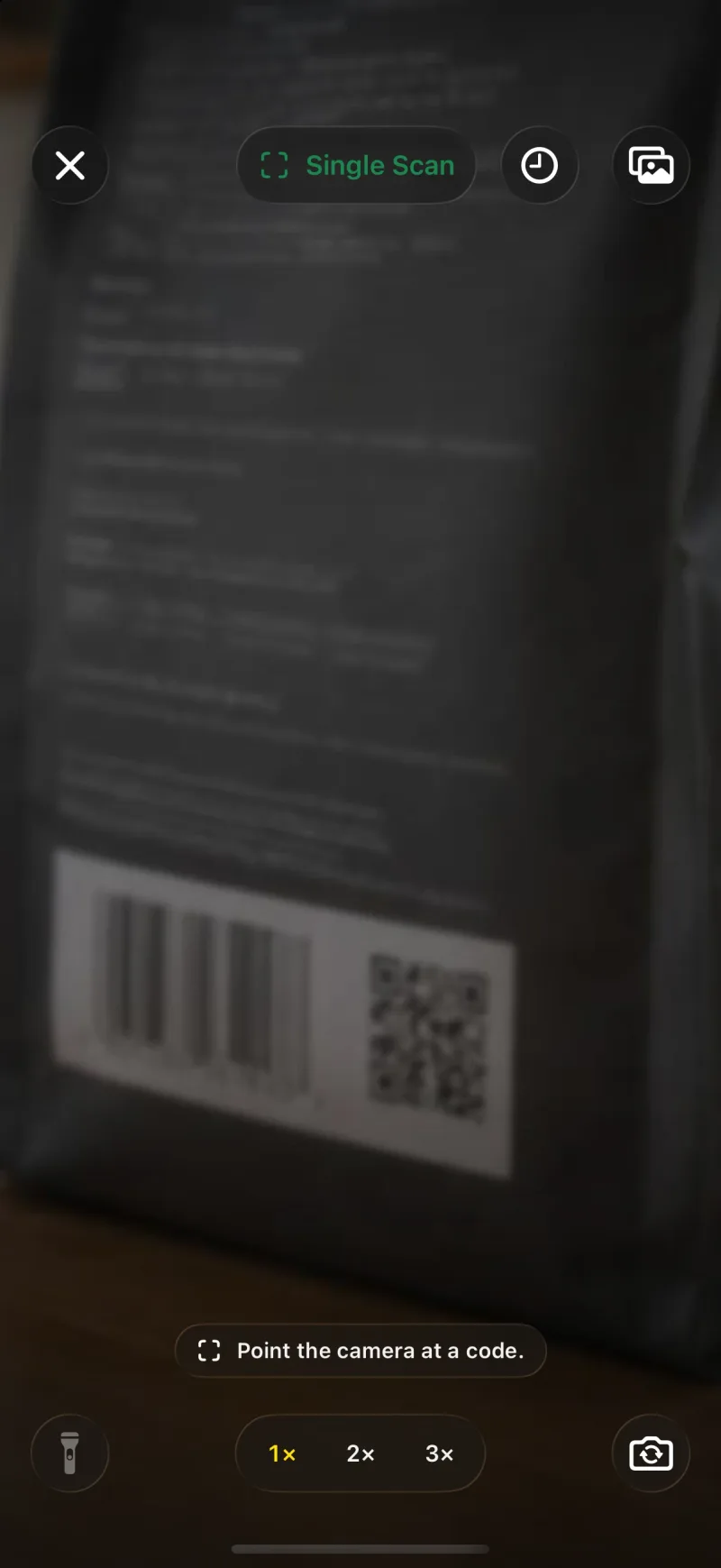
QR codes that look like you
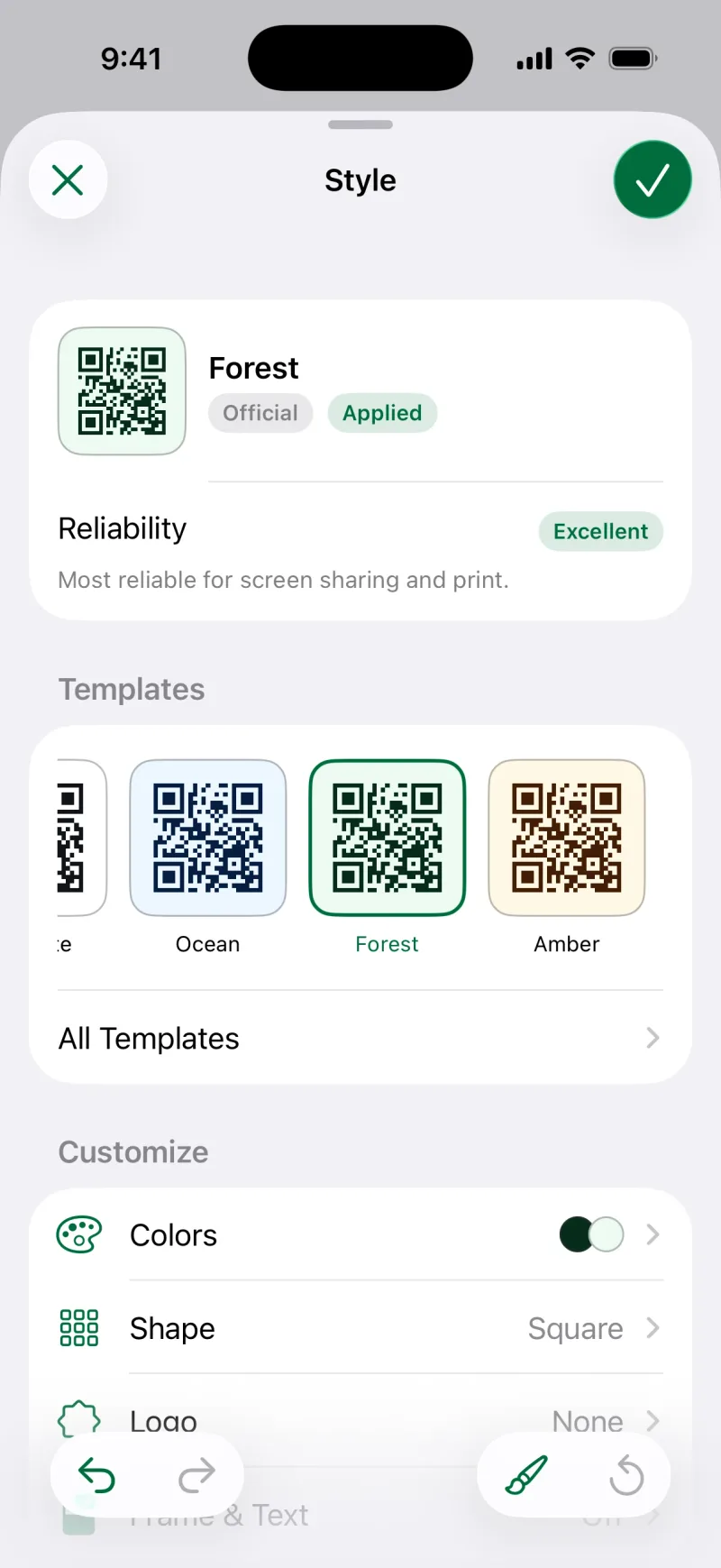
Templates, colors, shapes, and logos, with reliability feedback before export.
Share anything as a QR code
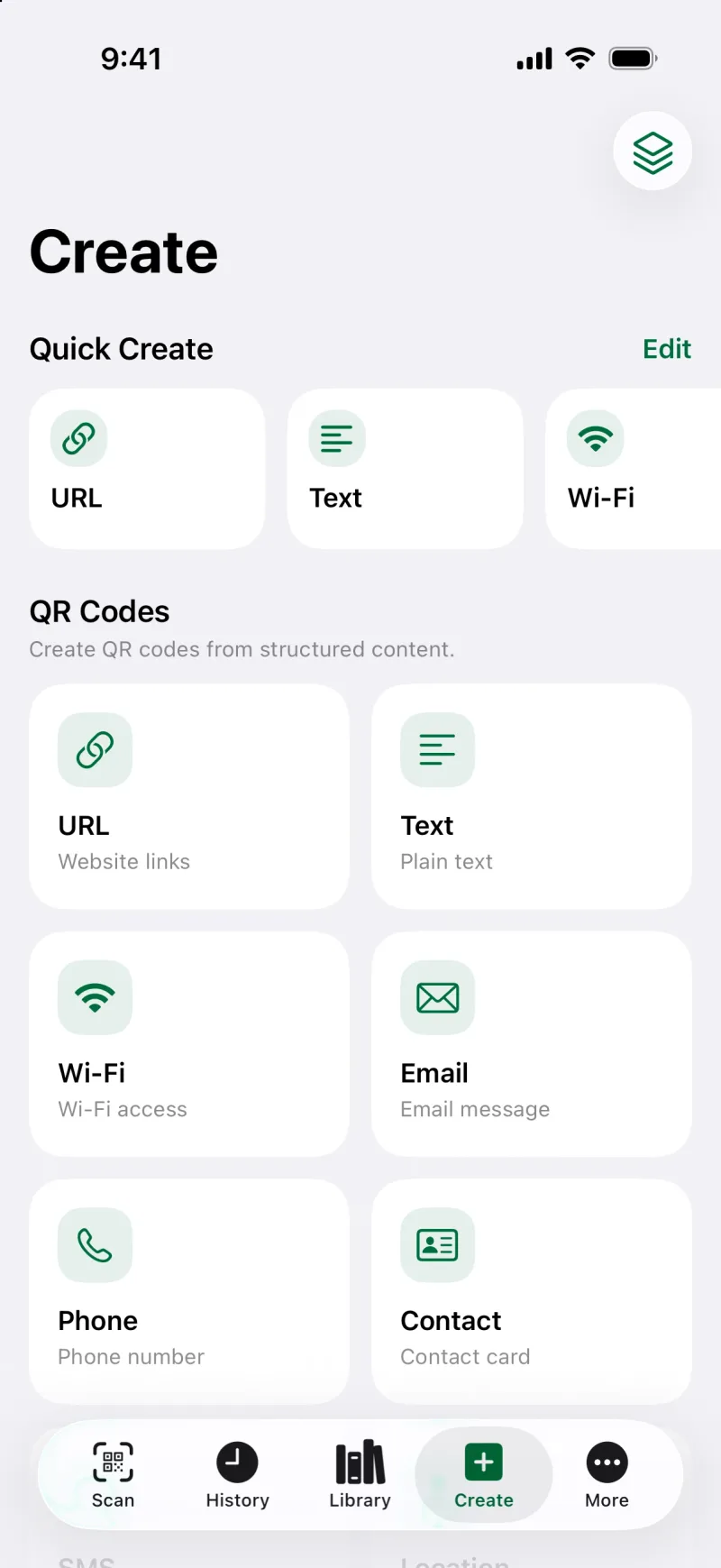
Links, text, Wi-Fi, contacts, and events.
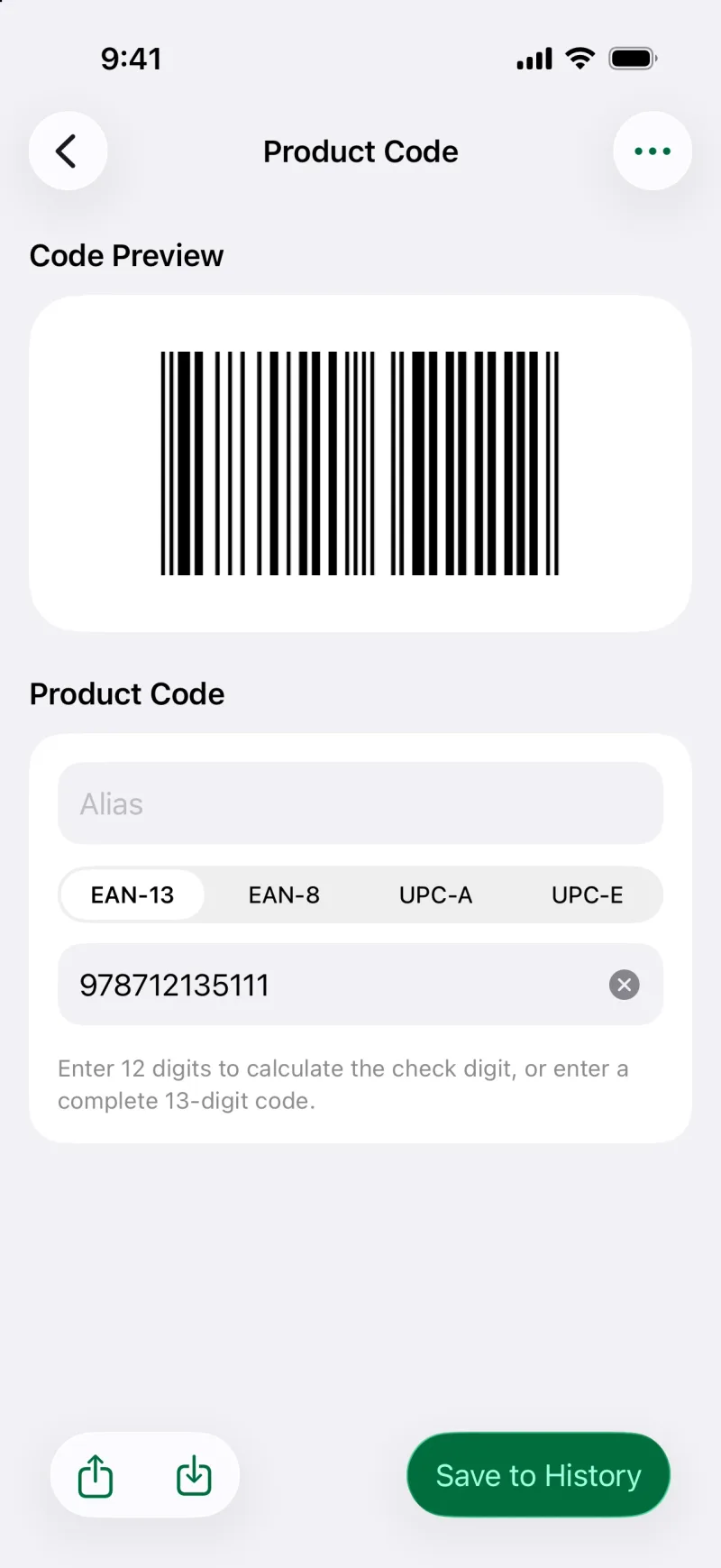
Beyond QR, make barcodes too
Product codes, ISBN, Code 128, Data Matrix, and PDF417.
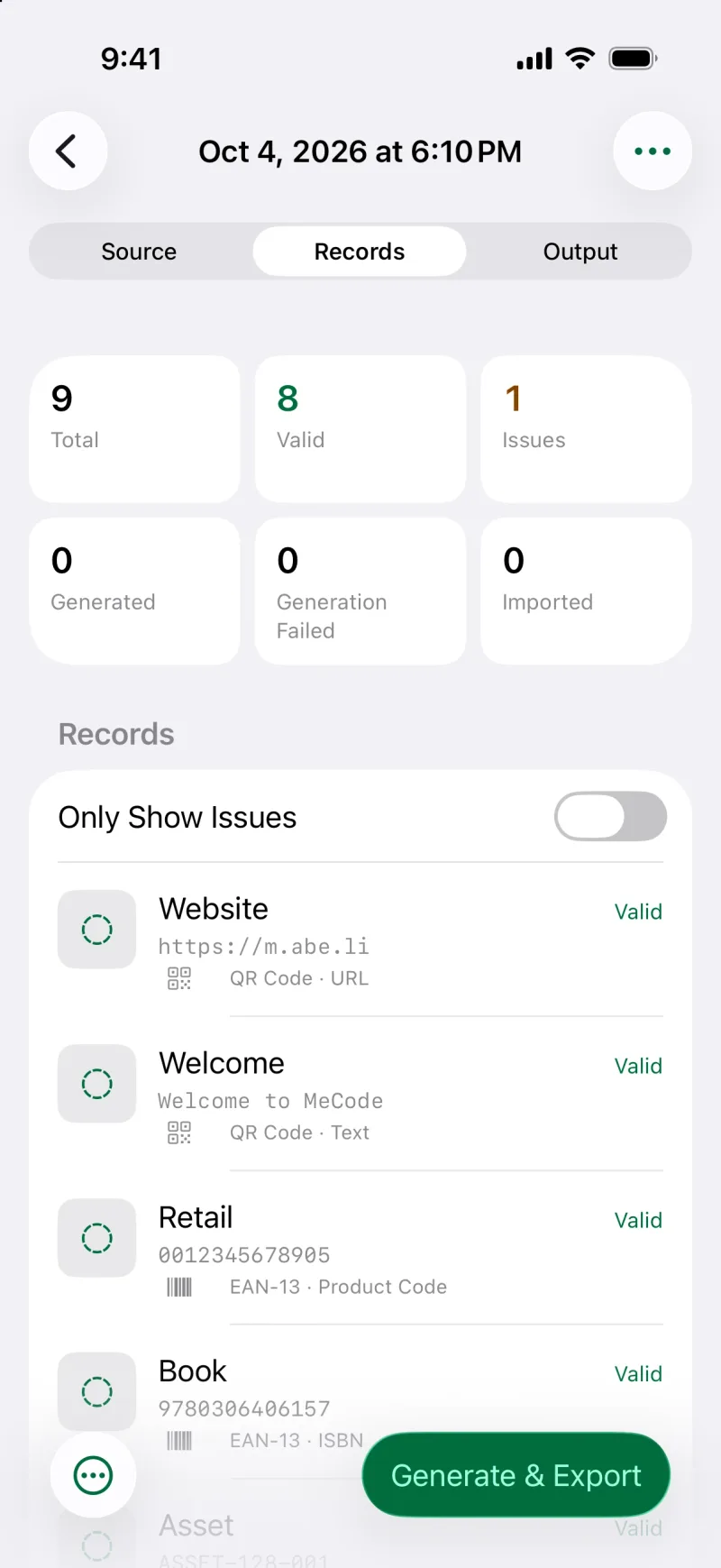
A whole sheet, generated at once
Paste lines or a table, or import CSV, then export a ZIP.
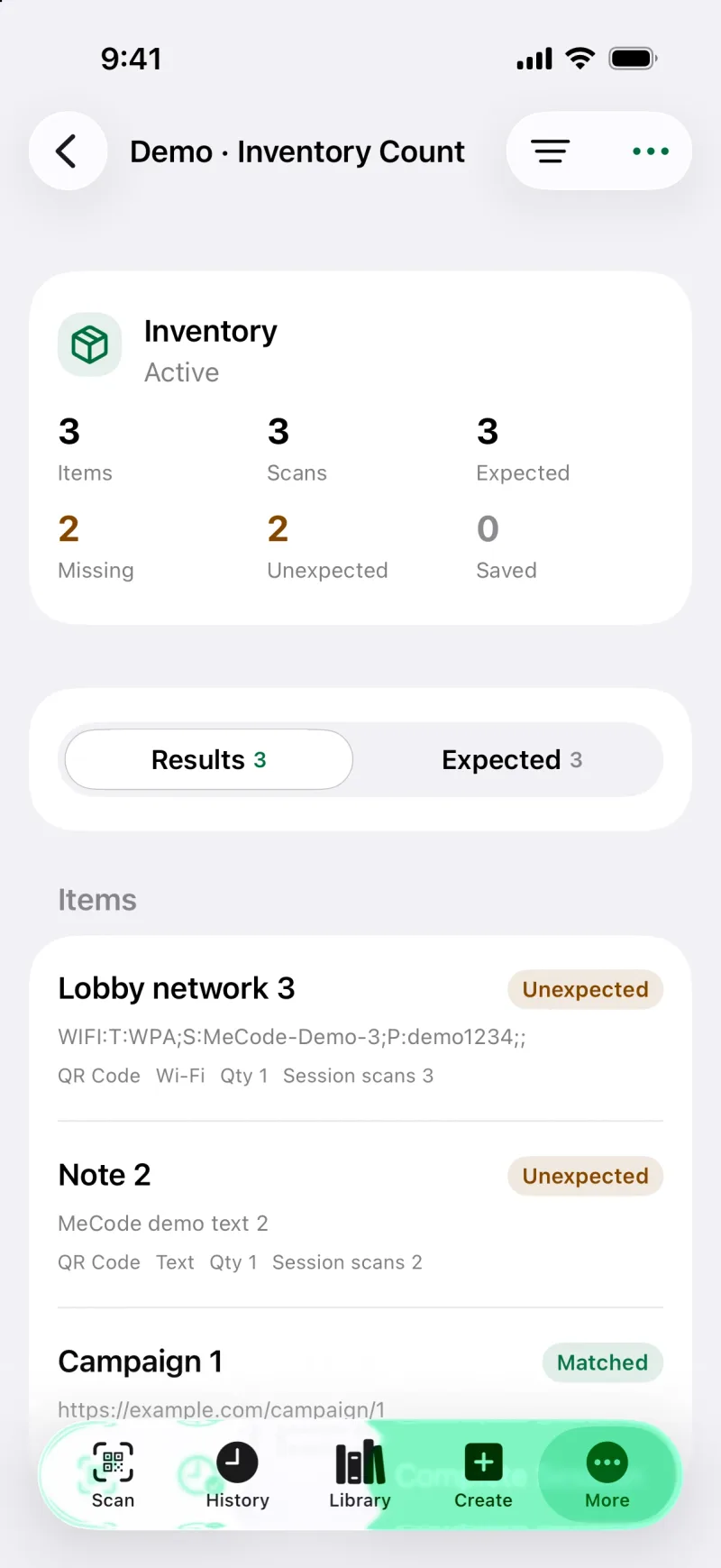
Count and check in one pass
Scan Sessions for inventory, verification, collection, and audit, exported as CSV or JSON.
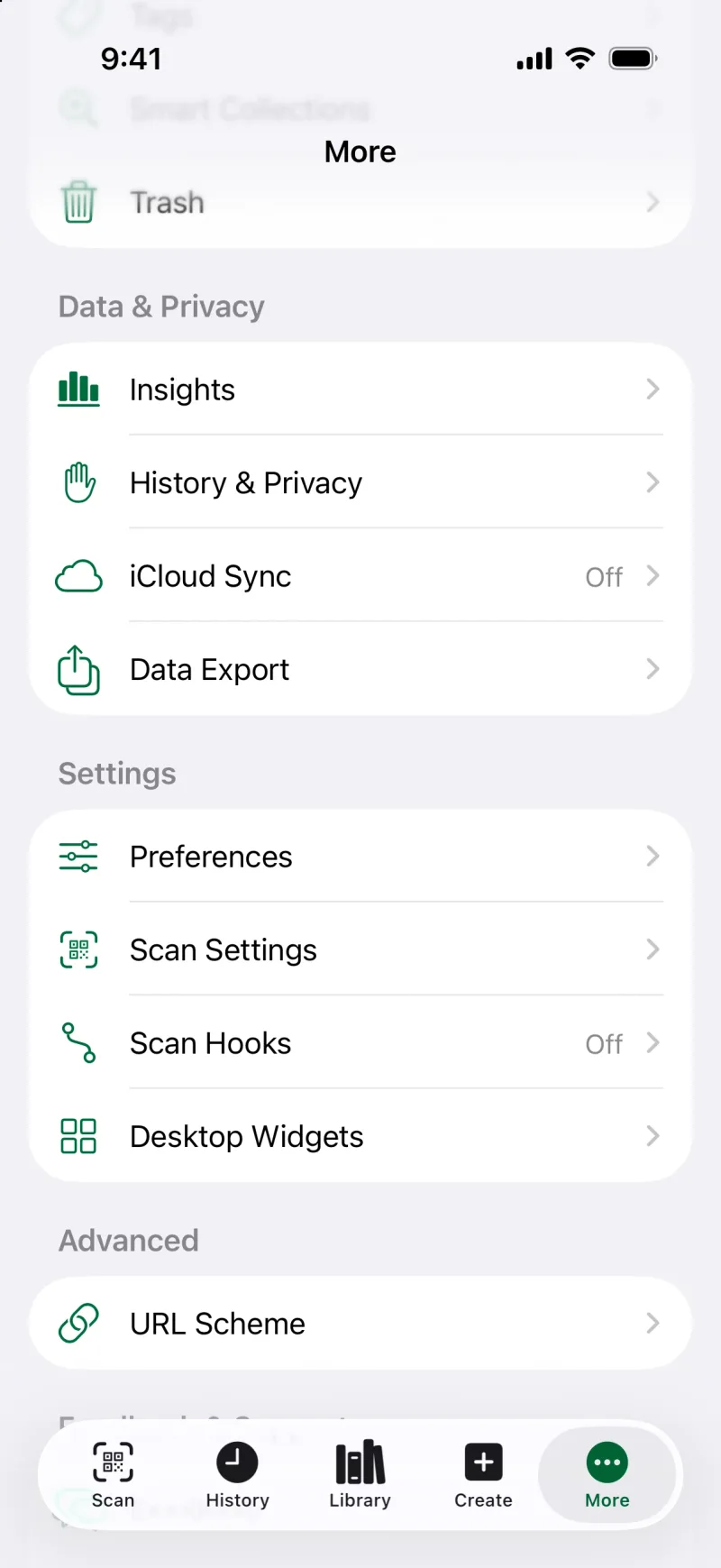
History · Widgets · iCloud
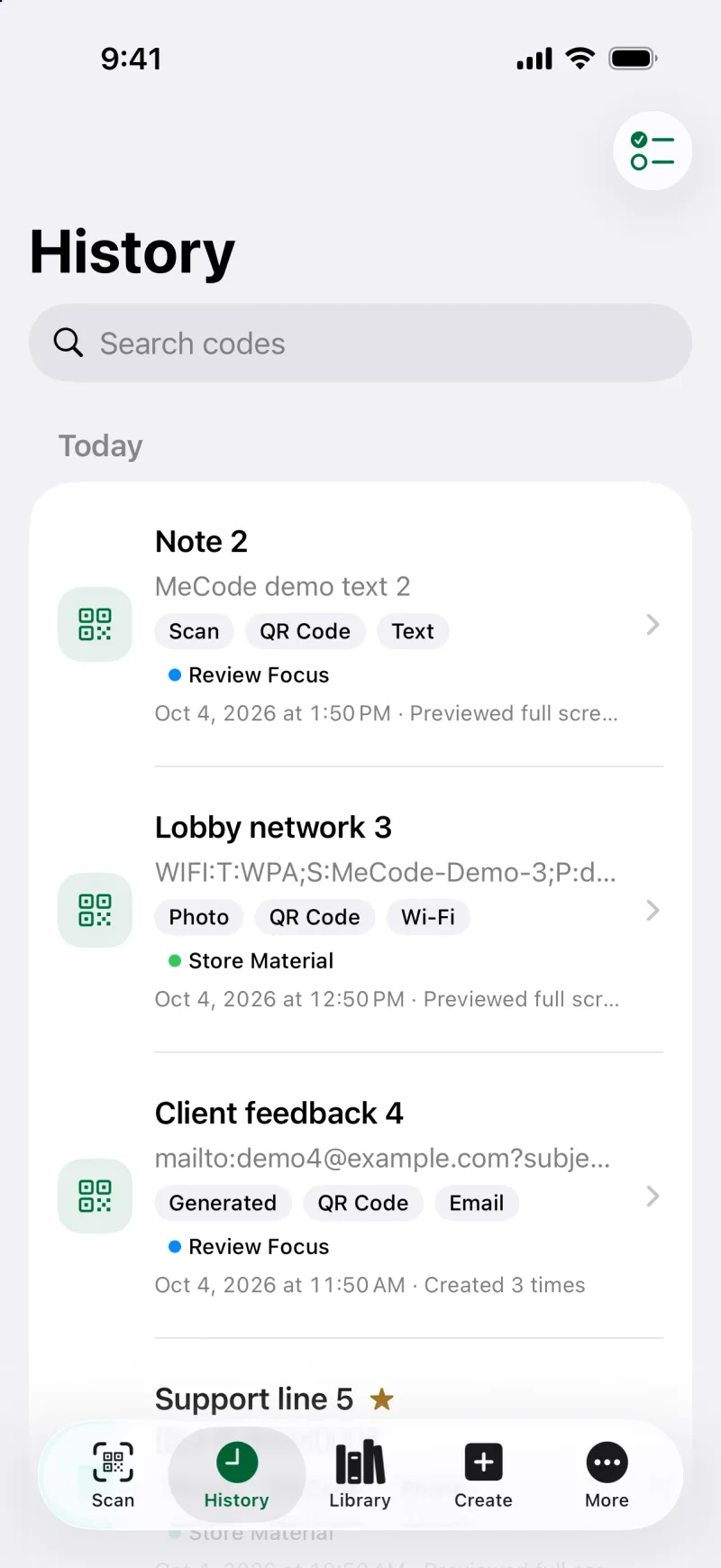
Scanned or made, easy to find.
History keeps camera scans, photo and PDF results, shared records, and batch output in one place. Search, filter, and keep frequent codes close.
-
Favorites, collections, and tags
Group related codes by project or place.
-
Widgets and StandBy
Keep Wi-Fi and contact QR codes on your Home Screen.
-
Spotlight and Shortcuts
Find records from system search, or open MeCode from Control Center and the Lock Screen.
-
iCloud sync
Optional sync across devices with your Apple Account.
No ads. No tracking.
MeCode includes no advertising, third-party analytics, or tracking SDKs, and it never uploads your codes to us.
-
No account
Use MeCode without signing up or signing in.
-
On device
Scanning, recognition, and creation happen on device.
-
Your own iCloud
Sync goes to your private iCloud database. We cannot read it.
Get MeCode.
Scan, create, and organize codes on iPhone and iPad.
Download on the App StoreiPhone · iPad